Context before generation
Board, class, subject, topic and learning purpose stay visible, so educators can spot a mismatch before using a draft.
Ten focused AI workflows for CBSE, ICSE and State-board classrooms — plan, practise, assess and revise. Every output is an editable draft.
Planning, practice, assessment and student support in one Orbit workspace
Orbit AI teacher tools are focused workflows for planning, practice, assessment, revision and student support. A teacher selects the relevant class, subject, topic and learning goal; Orbit returns a structured draft that can be checked, edited and adapted before it reaches students.
The collection includes 10 distinct tools, so a teacher can start from the outcome they need instead of writing a long generic prompt. Examples on every page show the expected structure and the information Orbit needs.
Choose an outcome, add classroom context and review a structured draft. No prompt engineering and no wall of generic AI shortcuts.
Structure objectives, activities, checks for understanding and homework into an editable period plan.
Explore tool 02PractiseBuild an editable practice sheet with a chosen question mix, difficulty and answer-key draft.
Explore tool 03PractiseDraft a short interactive quiz with answer guidance and explanations for review or class checks.
Explore tool 04AssessTurn learning goals into a clear student brief, task sequence, evidence checklist and rubric prompt.
Explore tool 05AssessCreate editable criteria and organise evidence-based feedback while keeping teacher sign-off final.
Explore tool 06AssessConvert an exam blueprint into editable sections, marks, questions and a marking-scheme draft.
Explore tool 07ReviseCondense a chapter into structured revision notes, key ideas, examples and a quick self-check.
Explore tool 08ReviseCreate concise recall cards from a topic, then review wording and answers before student use.
Explore tool 09PlanOutline a multi-lesson learning sequence with objectives, checkpoints, resources and assessments.
Explore tool 10SupportGuide students through a doubt with stepwise prompts, explanations and an explicit verification habit.
Explore toolOrbit tools connect around actual teacher work. Start anywhere, then move into next useful step without rebuilding context.
Lessons, courses and study notes
Worksheets, quizzes and flashcards
Assignments, rubrics and papers
Always-on AI tutor explanations
Useful structure, editable output and responsible educator oversight across every workflow.
Board, class, subject, topic and learning purpose stay visible, so educators can spot a mismatch before using a draft.
Each workflow asks only for relevant inputs and returns a recognisable classroom artefact instead of a generic chat response.
Orbit drafts; educators verify and decide. Output remains editable, and every page makes the review boundary explicit.
Every feature page includes a readable sample, its input context and the structure a teacher should expect from the workflow.
Move from lesson planning to practice, assessment, revision and student support without losing sight of the learning goal.
Regenerate, rewrite or narrow a draft, then check facts, difficulty, inclusion and school policy before distribution.
Tell us the teaching task, role and classroom context you want to improve. We will show the most relevant Orbit workflows in a focused school demo.
Easy reads about AI in classrooms, what makes great schools tick, and the cool tools we are building.
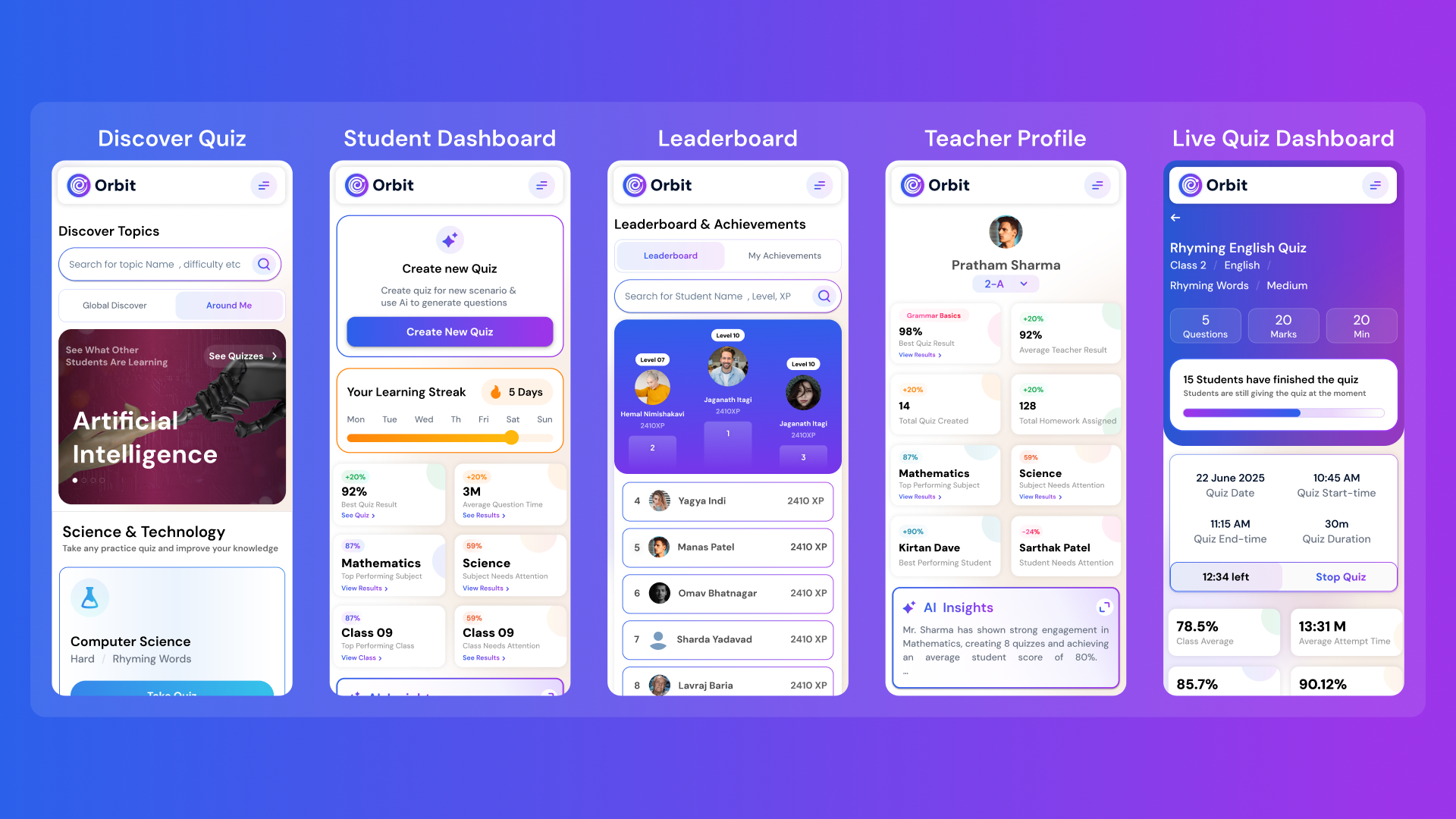
Orbit v1.4.7-beta brings a smarter and more personalized learning experience for students and teachers. With a new student dashboard, subject performance tracking, leaderboards, and real-time teacher analytics, Orbit makes learning interactive and data-driven.


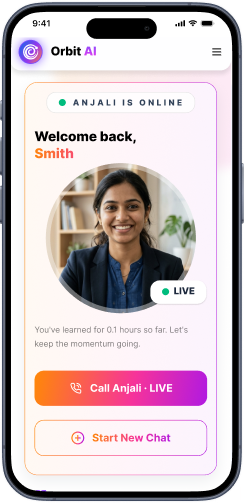
From cutting attendance time to unlocking personalized learning, smart AI assistants are giving educators back what they’ve always needed most. The time to inspire. Discover why the future of education isn’t AI vs. Teachers, but AI + Teachers.

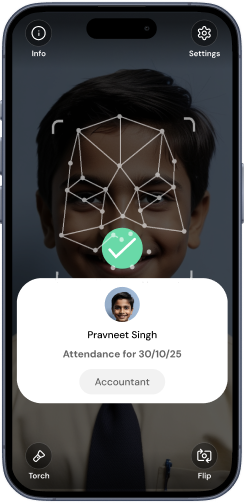
Taking attendance shouldn’t eat up your mornings. Discover how principals across India are cutting hours of wasted time and securing their campuses with Inforida’s Goood Morning — a biometric attendance system built for accuracy, safety, and peace of mind.
Everything you need to know about Inforida's platform, pricing, and implementation.
They are focused AI-assisted workflows for planning, practice, assessment, revision and student support. Instead of beginning with a blank chat prompt, a teacher chooses a specific outcome and provides the classroom context that workflow needs.
The collection includes lesson plans, worksheets, quizzes, assignments, rubrics, question papers, study notes, flashcards, course outlines and student tutoring. Each tool has a distinct purpose and a visible example output.
A focused tool asks for structured inputs such as class, subject, topic, goal, duration or marks, then returns a recognisable teaching artefact. This makes the context and expected output easier for an educator to inspect and revise.
No. Orbit produces drafts and suggestions. Teachers remain responsible for factual accuracy, syllabus fit, accessibility, assessment fairness, safeguarding and the final decision to share or publish any output.
Yes. Every feature page includes a readable illustrative sample plus the board, class, subject and topic context used to frame it. Samples show structure, not a promise that every generated result will be identical.
The workflows are designed around editable drafts. Teachers can adjust structure, wording, level, examples and instructions, then review the result against source material and school requirements before use.
Yes. Like any generative AI, Orbit can produce incorrect, incomplete or unsuitable material. Educators should verify facts, calculations, source alignment, difficulty, answer keys and local context before students see the output.
Use the demo form on this page and share your role, school and preferred workflow. The Inforida team can demonstrate relevant tools with representative classroom context and discuss rollout requirements.
Take attendance, collect fees, send messages and run the day, all from your phone. Made for school heads who are always on the move.